UI/UX Design
for
SaaS & B2B Products
Dashboards, onboarding, settings and every flow in between — we help SaaS and B2B teams turn complex features and workflows into interfaces people can use without being taught.
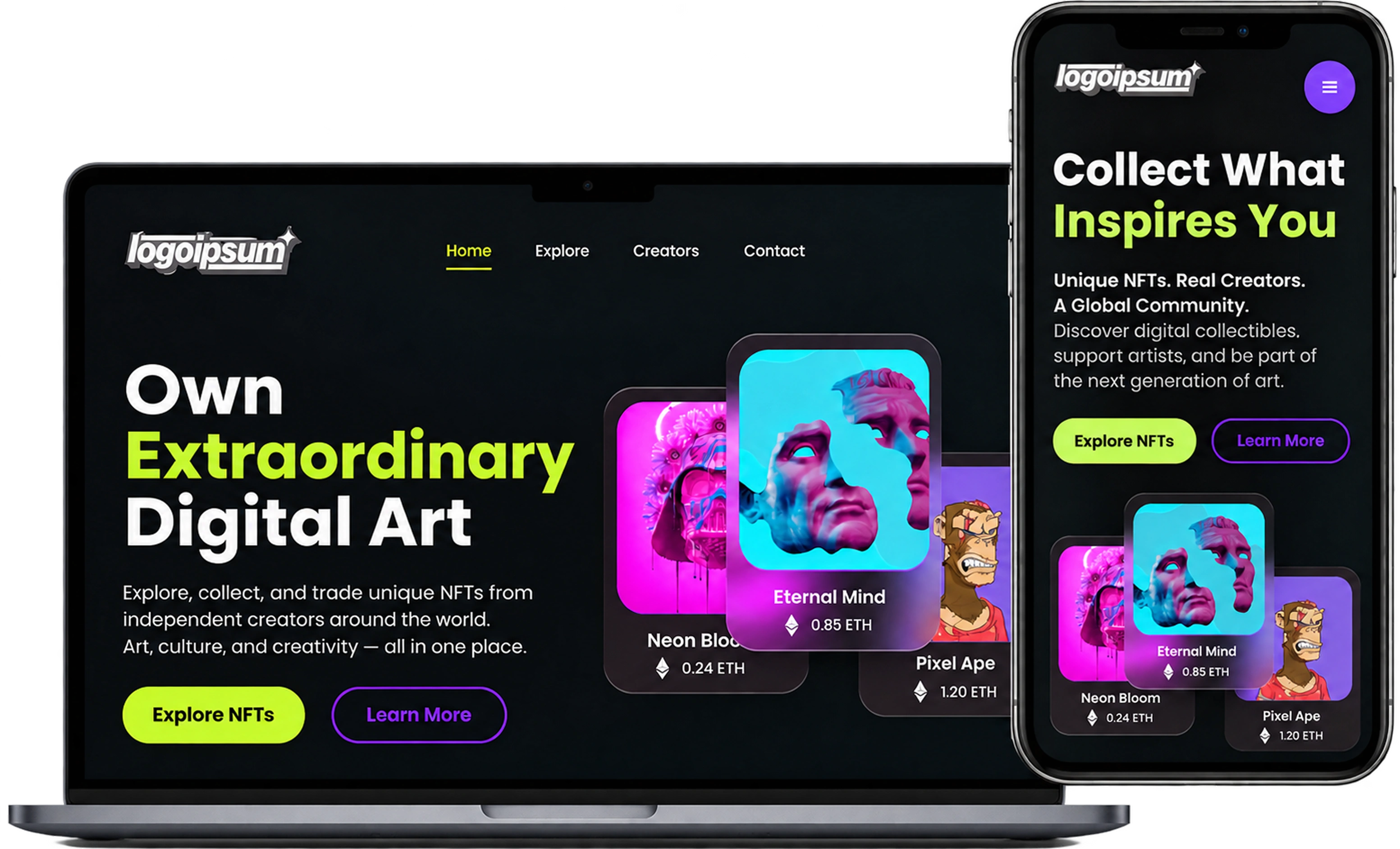
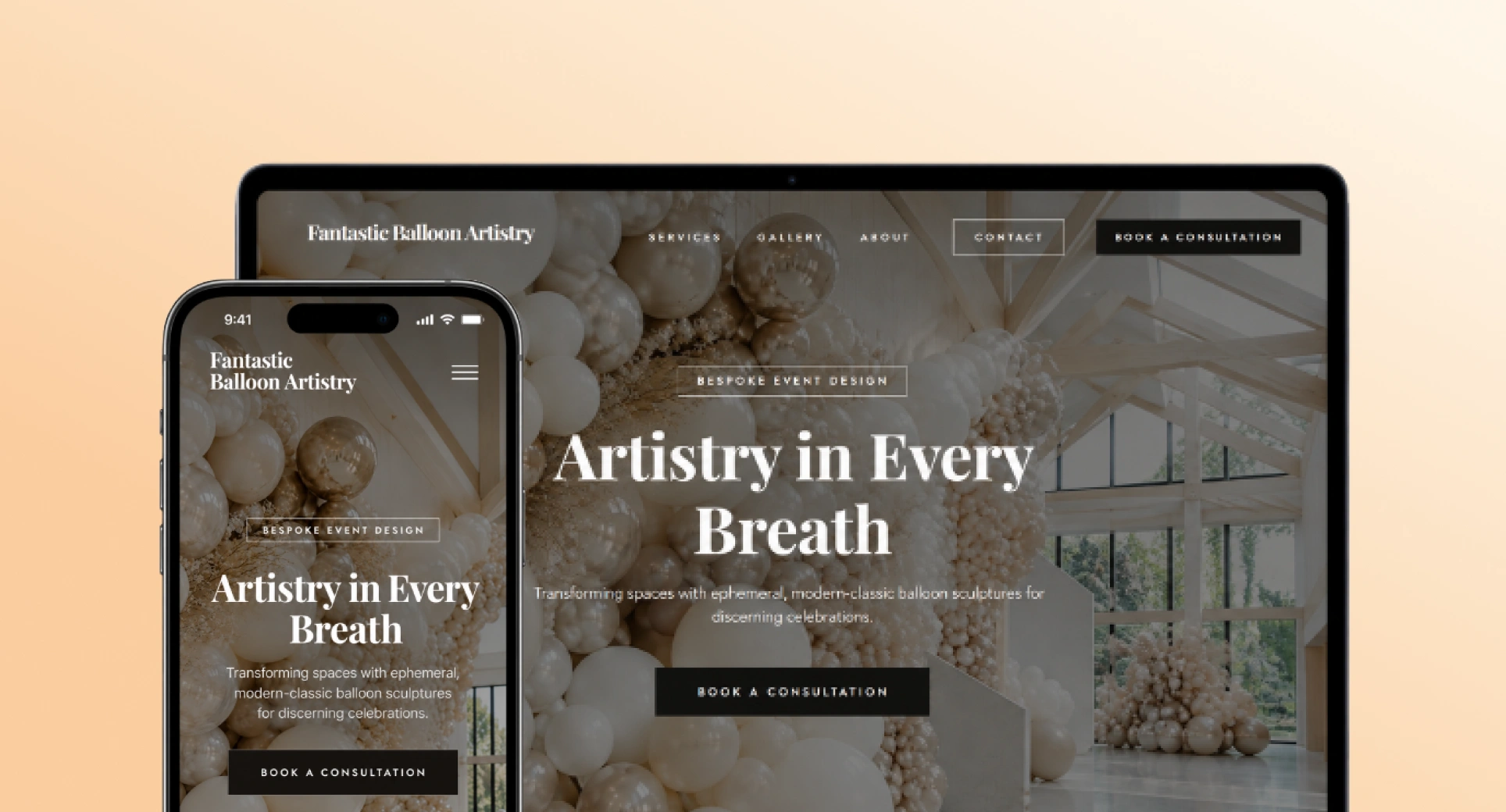
Are These UX Issues
Hurting Your Product?
When people struggle, drop off or come to you for help, it is usually the site or the interface asking too much of them — not the visitor getting it wrong.
Users Drop Off During Key Flows
People start onboarding, signing up or checking out, then leave before the end — usually because the flow asks for too much, too early, or never says how far along they are.
The Interface Feels Too Cluttered
Too much on screen at once, and no hierarchy deciding what matters. When everything competes for attention, nothing wins it, and the visitor cannot tell what to read or do next.
Important Features Go Unused
The work is built and shipped, then buried a click too deep or named something only your team understands — so the people it was built for never find it.
Too Many “How Do I…?” Questions
Support keeps answering the same question. Every repeat ticket is the interface failing to explain itself — a design problem arriving disguised as a support cost.
The Business Impact of
Good UI/UX Design
Design decides how easily people find, understand and use what you have built. Get it right and more features get used, fewer questions reach support, and the product stops needing to be explained. If it is the marketing site that needs the work, that is web design.

UI/UX & Product Design
Simplifying complex products into flows people can follow without being taught, from the first wireframe to the built interface.
1–2
Weeks for a focused piece — one flow, an onboarding sequence, a settings screen — from brief to finished screens.
Every
State drawn, not assumedBuildable, Not Just Beautiful
Empty, loading, error and permission-denied states drawn alongside the happy path, with named components and a working prototype — so developers build the design instead of interpreting it.
View Our WorkResearch That Earns Its Keep
We map the journey before we draw it, so the layout answers a real question about where people get stuck — not a guess about what looks good.
Flow MappingTrace every step a user takes Session ReviewWatch where people get stuckReal
Clickable prototypes before anything is built, so a flow gets tested while it is still cheap to change.
What Makes Our
Approach Different
Strategy, design and development sit in the same room, so problems get solved on the page rather than discovered in the build — and what ships works for the business as well as the people using it.
User Research & Testing
We look at the whole picture first — who you are selling to, what they came for, and where the current journey loses them — before a single screen gets drawn.
Scalable Systems
Reusable components and a documented type and colour scale, so the tenth page costs a fraction of the first and still looks like it belongs.
Designed For Every Screen
Products get worked in on a laptop and checked on a phone. Each breakpoint is drawn rather than squeezed, so a table that works at full width does not become unusable in a pocket.
Accessible By Design
Contrast, focus states and keyboard paths are part of the first draft, not a retrofit — which is also what keeps the build defensible when someone audits it.
Developer Handoff
The design is not done until it is buildable. Organised files, named components and working prototypes, so nothing gets reinterpreted on the way into code.
Post-Launch Support
Launch is the middle of the job, not the end. We stay on for the changes, the new pages and the questions that only turn up once real traffic arrives.
How We Bring
Your Product To Life
From the first conversation to a design your developers can build from without a single round of guesswork.
Book a callUnderstand your product
We learn the product, the people buying it and the problem the design has to solve — before anyone opens a design file.

Plan the experience
Key features agreed, the structure mapped and the main journeys planned, so the screens that follow have something to answer to.
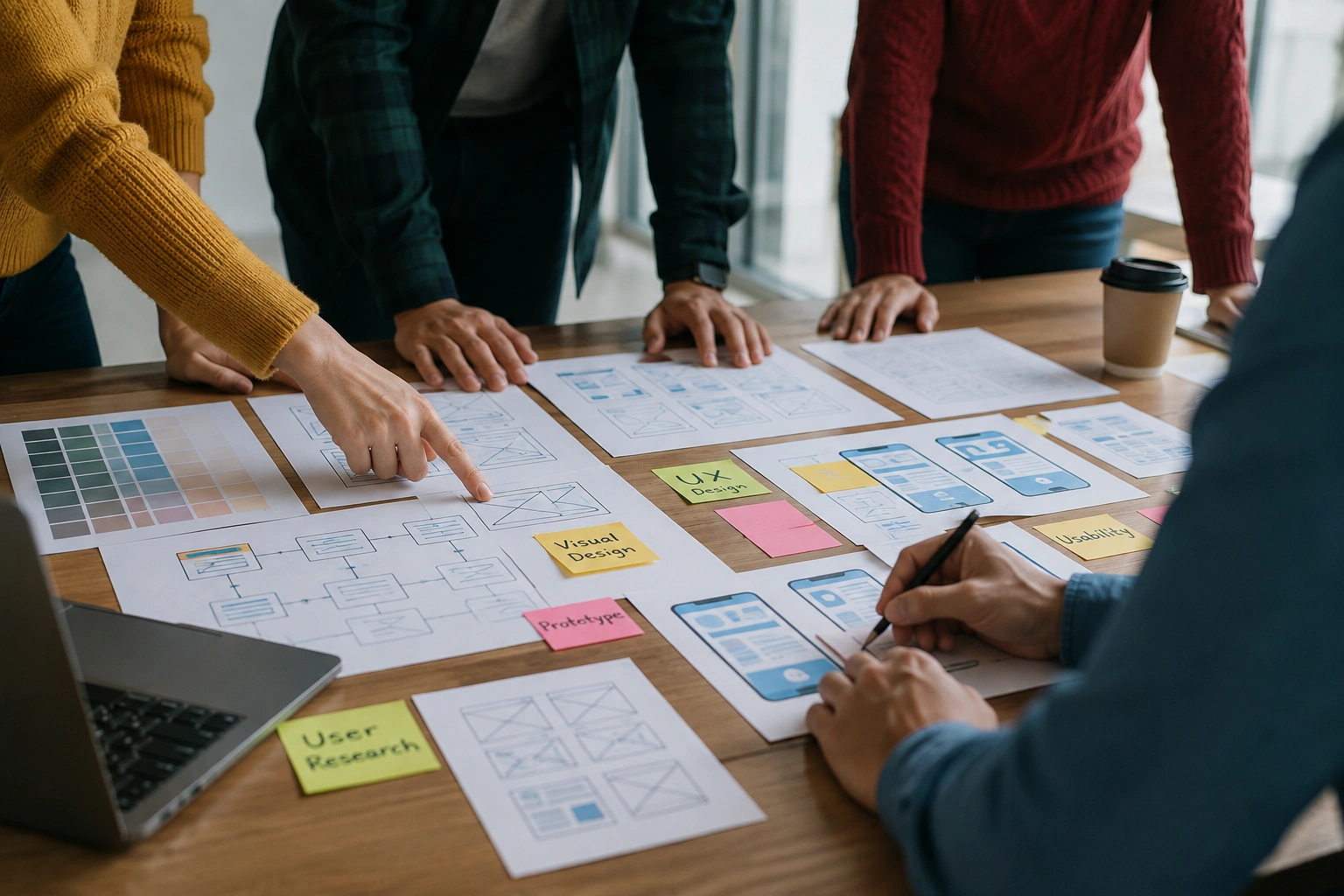
Design the product
User flows, wireframes, prototypes and high-fidelity UI — the stage where how it looks and how it works get decided together.
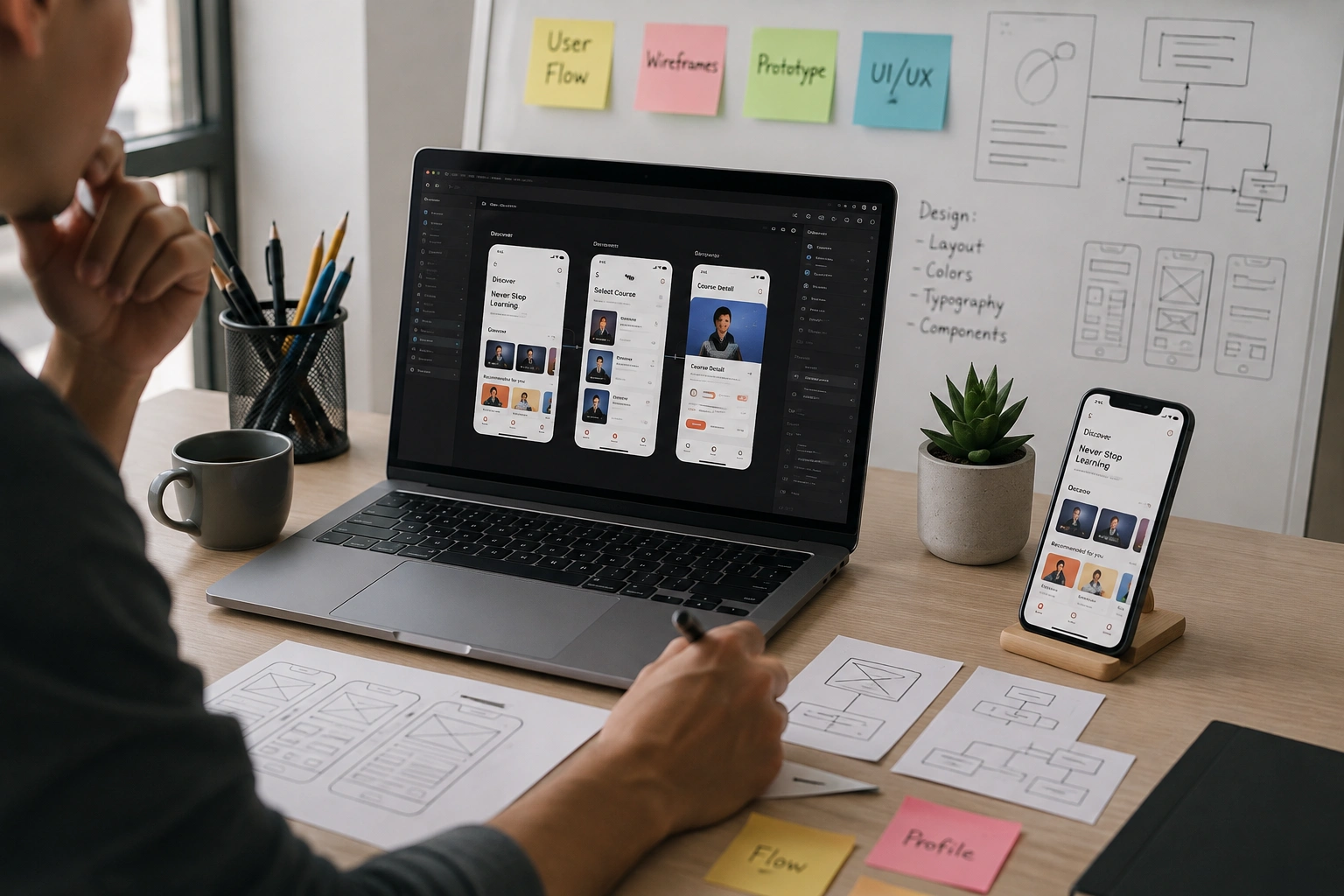
Refine the design
Reusable components, every breakpoint drawn rather than squeezed, and the rough edges taken off once real feedback lands.
Handoff to developers
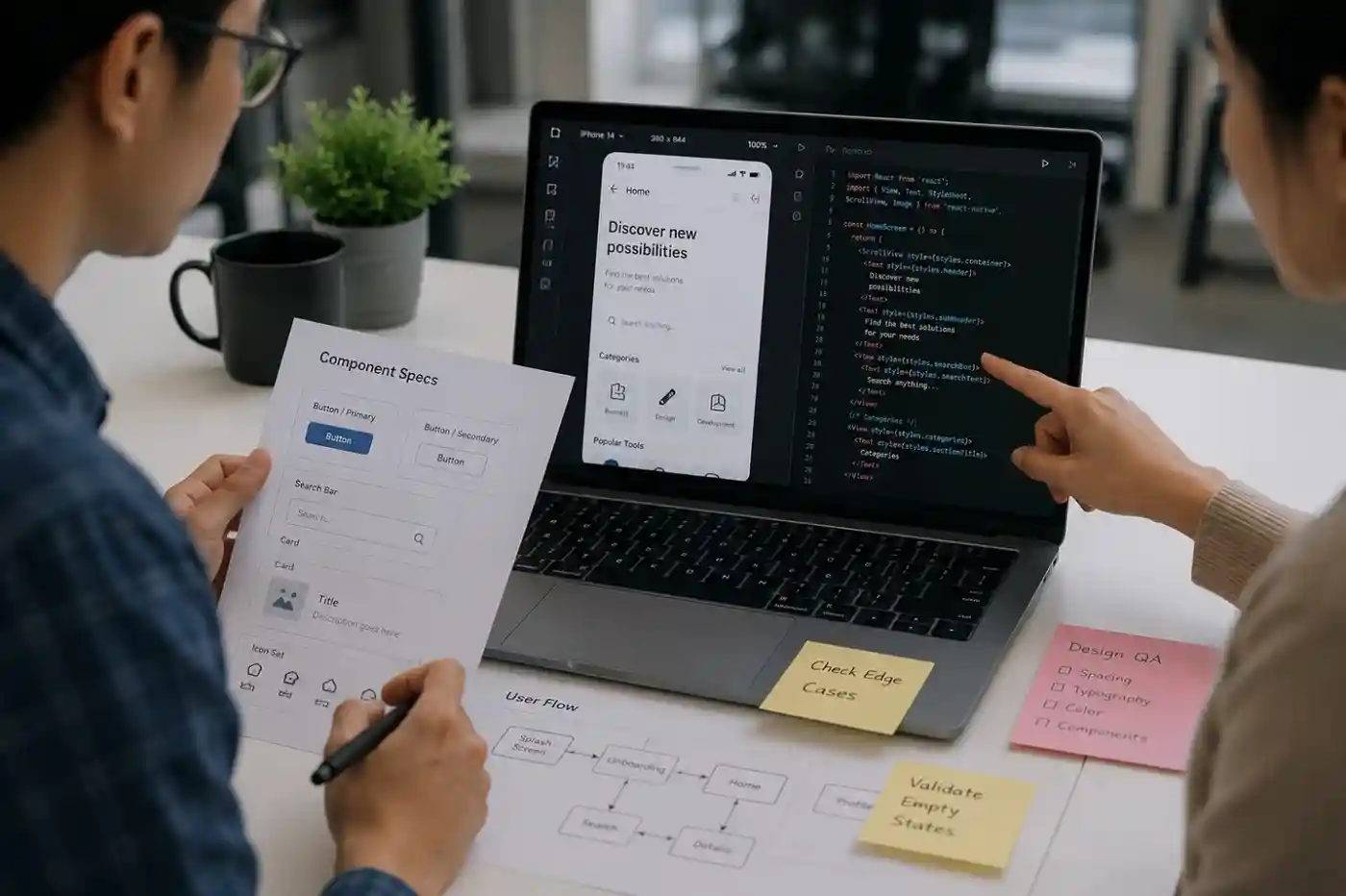
Final files, prototypes, named components and specs, so the build matches the design without anyone having to interpret it.
A Design Team You Can
Always Rely On
Good design is the easy part to promise. What you actually need is a team that understands the goal, says what it is doing, owns the result and hands you work you do not have to check.
Experienced Designers
A team that has shipped real products since 2019, from first concept through to the polished interface people actually use.

Product-Focused Approach
Your users, your goals and your commercial reality all sit in the brief, so every design decision has a reason behind it.

Talk Directly To The Team
You speak to the people doing the work, not an account manager relaying it. Questions get answered by whoever drew the screen.
Flexible Engagement
A single project or ongoing monthly support — whichever suits where the product is and how fast it needs to move.
Clear From The Start
Every project is quoted as a fixed price before we start, so you know what is included and what it costs before any work begins.
Start With A Call
A free call first, to look at what you have and say plainly whether we are the right team for it — before anyone commits.
Sounds Like A
Good Fit?
Talk To Our Team
Got Questions?
We’ve Got Answers
If you are not sure where to start, or want to know whether this is the right fit, reach out and we will walk you through it.
Book an intro call
Let’s talk through your product, your timeline, and how Web{X} Studio can help.
What is the difference between UI/UX design and web design?
Web design is usually about the site people land on — the pages that explain what you do and ask for the enquiry. UI/UX design is about the thing they use once they are in: the dashboard, the signup, the settings screen, the flow with fifteen states nobody wants to draw.
This page is about the product side — the interface, the flows behind it and the system that keeps them consistent. If it is the marketing site you need, that is our web design service. Most SaaS and B2B companies need both, and the same team does both here, so the language, the type scale and the components carry across instead of the product feeling like a different company’s work.
How long does a UI/UX design project take?
A focused piece — a single flow, an onboarding sequence, a settings screen — is usually 1–2 weeks. A documented design system with the components your team will reuse is typically 2–4 weeks. A product interface with several user roles and real edge cases runs 4–10 weeks depending on how many screens have to exist before it hangs together.
You get a written milestone plan before we start, with the review dates fixed. The most common delay is not design — it is waiting on content and feedback, so nominating one decision-maker for approvals is the single fastest thing you can do.
Do you work with our existing developers?
Often, yes. When you already have a development team we design to what they build in — matching the component library, naming things the way the codebase does, and handing over files, prototypes and specs they can work from without having to interpret anything.
If you would rather one team carried it end to end, we build as well, and the handoff step simply disappears.
Can you redesign an existing product?
Yes, and it is a good part of what we do. A redesign starts by finding out where the current version loses people rather than by opening a blank canvas — which screens get abandoned, which features never get found, which questions support keeps answering.
That usually means the rebuild is smaller than expected. Fixing the three screens that are actually costing you conversions beats redrawing forty that were fine.
How much does it cost?
Every project is quoted as a fixed price agreed before any work begins — no hourly billing and no surprise change orders. The quote covers research, design, prototyping and developer handover, with anything that recurs annually (design tooling, paid assets, licences) listed separately so you can see it.
Scope is what moves the number, so if your budget is fixed, say so on the first call and we will scope to it rather than quote past it.
What do you need from us to get started?
A conversation first: what the product does, who it is for, and what a good outcome actually looks like. After that, your brand assets if they exist, any current analytics or session recordings, and access to the existing product or a staging environment.
None of it is a blocker. If there are no brand guidelines we work from what you already use. If the copy does not exist we write it.