Webflow vs WordPress for Dubai businesses: which one is right for you?
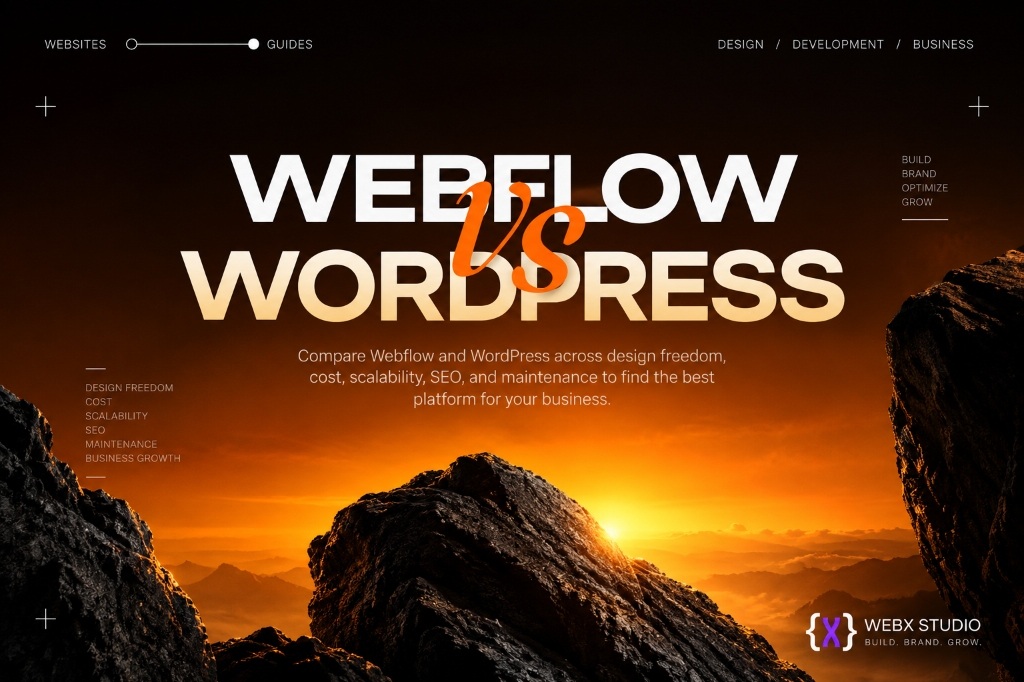
Before a single page of your Dubai website gets designed, one decision quietly shapes everything that follows: what do you build it on? For most businesses here, it comes down to two names — Webflow and WordPress.
Pick right, and your site is fast, easy to manage, and grows with you. Pick wrong, and you’re fighting your own website every time you need to change something — a new landing page takes three weeks, an Arabic version turns into a rebuild, and every plugin update becomes a small act of faith.
This is a plain-English guide to which platform fits your business. No jargon, no platform loyalty. We build on both, so we have no reason to push you toward one over the other.
Webflow wins on design freedom, speed and near-zero maintenance. WordPress wins on raw capability, deep Arabic multilingual support and total ownership. Most Dubai marketing sites are happier on Webflow; complex, feature-heavy platforms are happier on WordPress.
The one-line difference
Webflow is a modern, all-in-one platform where design, hosting and content live in one place — built for beautiful, fast, low-maintenance sites.
WordPress is an open-source powerhouse that runs a huge share of the web — endlessly flexible, plugin-driven, and built for sites that need to do almost anything.
Neither is “better.” They’re built for different priorities. Here’s how they actually compare on the things that matter to a Dubai business.
Design and brand: which one gets you a site that stands out?
Webflow gives near-total design freedom without templates. Whatever a designer can imagine, a developer can build pixel-perfect — clean layouts, smooth animation, a genuinely custom look. In a market as crowded as Dubai’s, where the firm down the road in Business Bay is running the same premium theme as three of your competitors, that difference is a real commercial edge. It’s also why the handoff matters: a proper Figma to Webflow build keeps the design you signed off on intact instead of approximating it.
WordPress relies on themes and page builders such as Elementor and Divi. You can achieve almost any look, but a truly bespoke design often means wrestling a builder or hiring a developer to code a custom theme. The flexibility is there; there’s just more friction between the mockup and the live page. Done properly — a Figma to WordPress build with a custom theme rather than a stack of builder plugins — the gap narrows considerably.
Edge: Webflow, for custom, design-led sites.
Speed and performance: which one loads faster?
Speed is both a ranking factor and a first-impression factor, and UAE audiences are unforgiving about it — high mobile penetration, high expectations, and a fast bounce back to the search results.
Webflow produces clean, optimised code and ships on fast managed hosting with a global CDN by default. Sites tend to load quickly out of the box with very little tuning.
WordPress can be blazing fast — but it depends on your theme, your plugins and your hosting. Plugin bloat is the number-one reason WordPress sites get slow, and keeping one fast takes active management: caching, image optimisation, and the discipline to say no to the fifteenth plugin. If you want the mechanics behind the metrics, our guide to Core Web Vitals covers what Google actually measures and why it moves your ranking.
Edge: Webflow for effortless speed. WordPress can match it with a proper setup and someone maintaining it.
Flexibility: which one handles complex functionality?
WordPress wins on raw capability, and it isn’t close. Need a large ecommerce store, memberships, a booking system, a multilingual directory, or a custom integration with a regional payment gateway or your CRM? There is almost always a plugin, an API route, or a developer who has solved it before. If your site needs to do something specific and complex, WordPress can do it.
Webflow covers the vast majority of business needs beautifully — marketing sites, portfolios, blogs, and small-to-mid ecommerce — and its CMS is genuinely pleasant for a marketing team to run. But for deep custom functionality it can hit a ceiling that WordPress doesn’t, and working around that ceiling with third-party tools adds both cost and moving parts. The same trade-off shows up in the wider custom development versus website builders question.
Edge: WordPress, for complex, feature-heavy sites.
Arabic and bilingual (RTL) support: which one handles it better?
This matters more in Dubai than almost anywhere. If you need an Arabic version with proper right-to-left layout — mirrored navigation, correct Arabic typography, RTL-aware forms — the platform choice has real consequences.
WordPress has mature multilingual plugins in WPML and Polylang, plus broad RTL support baked into most serious themes. It is a well-trodden path for bilingual UAE sites, which means the problems you hit have already been solved by someone else.
Webflow supports RTL and now offers native Localization, and it produces cleaner bilingual builds than it used to. It is very capable for most bilingual marketing sites — it just needs more manual care to get Arabic typography and mirrored layouts exactly right, and that care is billable time.
Whichever you choose, the technical detail that decides whether Google serves the right version to the right person is hreflang: each language version has to declare the others. Get that wrong and your Arabic pages compete with your English ones instead of supporting them.
Edge: A slight nod to WordPress for heavy bilingual sites. Webflow is more than capable for most.
SEO: does the platform decide your ranking?
Both can rank well. SEO is far more about your content, structure and site health than your platform — Google ranks pages, not the software that produced them.
Webflow gives you clean code, fast loading, and native control over meta titles, descriptions, alt text, canonical tags, URL structure and sitemaps, with no plugin required.
WordPress has the deepest SEO tooling anywhere in Yoast and Rank Math — powerful, well documented, and capable of far more than most sites need. It is also another plugin to configure, keep updated, and occasionally untangle.
Edge: A tie. Webflow is cleaner by default; WordPress is more powerful if you actually use the tools well.
Maintenance and security: who keeps it running?
This is where a lot of Dubai businesses get caught out — usually about eight months after launch, when the agency has moved on and nobody remembers who holds the hosting login.
Webflow handles hosting, security and platform updates for you. There is very little to break and almost nothing to maintain — you focus on your business, not on your website’s plumbing.
WordPress is yours to maintain. Core, themes and plugins all need regular updates, and neglected sites are the ones that get defaced, injected with spam links, or simply break when an update collides with a plugin. It is completely manageable — but it is ongoing work, either yours or someone you trust and pay.
Edge: Webflow, for hands-off peace of mind.
Ownership and control: who actually owns the site?
WordPress is open-source. You own everything, you can host it anywhere, and you can move providers over a weekend. Total independence, no lock-in.
Webflow is a hosted platform, so you operate inside its ecosystem and its pricing. You can export your site’s static code if you ever need to leave, though the CMS and form handling don’t come with you.
Edge: WordPress, for absolute ownership.
| What you’re weighing | Webflow | WordPress | Edge |
|---|---|---|---|
| Custom design freedom | Near-total, no templates needed | Theme or builder led | Webflow |
| Speed out of the box | Fast by default, managed CDN | Depends on host, theme, plugins | Webflow |
| Complex functionality | Covers most needs, has a ceiling | Almost anything is possible | WordPress |
| Arabic / RTL and bilingual | Native Localization, needs care | WPML, Polylang, mature RTL themes | WordPress |
| SEO control | Clean and native | Deepest tooling, via plugins | Tie |
| Maintenance burden | Handled for you | Ongoing, yours to own | Webflow |
| Ownership and portability | Hosted, code export available | Open-source, host anywhere | WordPress |
| Running cost | Predictable subscription | Cheap to start, variable to keep | Depends on scope |
So which should your Dubai business choose?
Choose Webflow if:
- You want a striking, custom-designed site that stands out in a crowded market.
- You value speed and near-zero maintenance.
- Your needs are a marketing site, portfolio, blog, or small-to-mid store.
- You want to launch quickly and stop worrying about updates and security.
Choose WordPress if:
- You need complex functionality — large ecommerce, memberships, heavy integrations.
- You’re running a content-heavy site or a serious editorial operation.
- You need deep, mature Arabic and multilingual support.
- Full ownership and the freedom to host anywhere are non-negotiable.
Get the platform decision right, then get someone who knows how to build on it properly. The second half is worth more than the first.
The honest takeaway
For most Dubai small and mid-sized businesses that want a fast, beautiful, low-maintenance site, Webflow is the easier win. For content-heavy platforms, complex stores, or sites that need to do something very specific, WordPress earns its keep.
But here’s the part that matters more than the platform: both are only as good as the person building on them. A great Webflow site and a great WordPress site have the same things in common — smart structure, clean design, fast loading, and real attention to how your customers actually use it. A badly built Webflow site is slower than a well-built WordPress one, and no plugin has ever rescued a page that gives visitors no reason to stay. If you’re still scoping the project, our guide to what a website actually costs is a useful read before you brief anyone.
Not sure which platform fits your project?
Tell us what your business needs and we’ll give you a straight recommendation. We build on both, so we’ve got no reason to push you toward one over the other.
Start a project